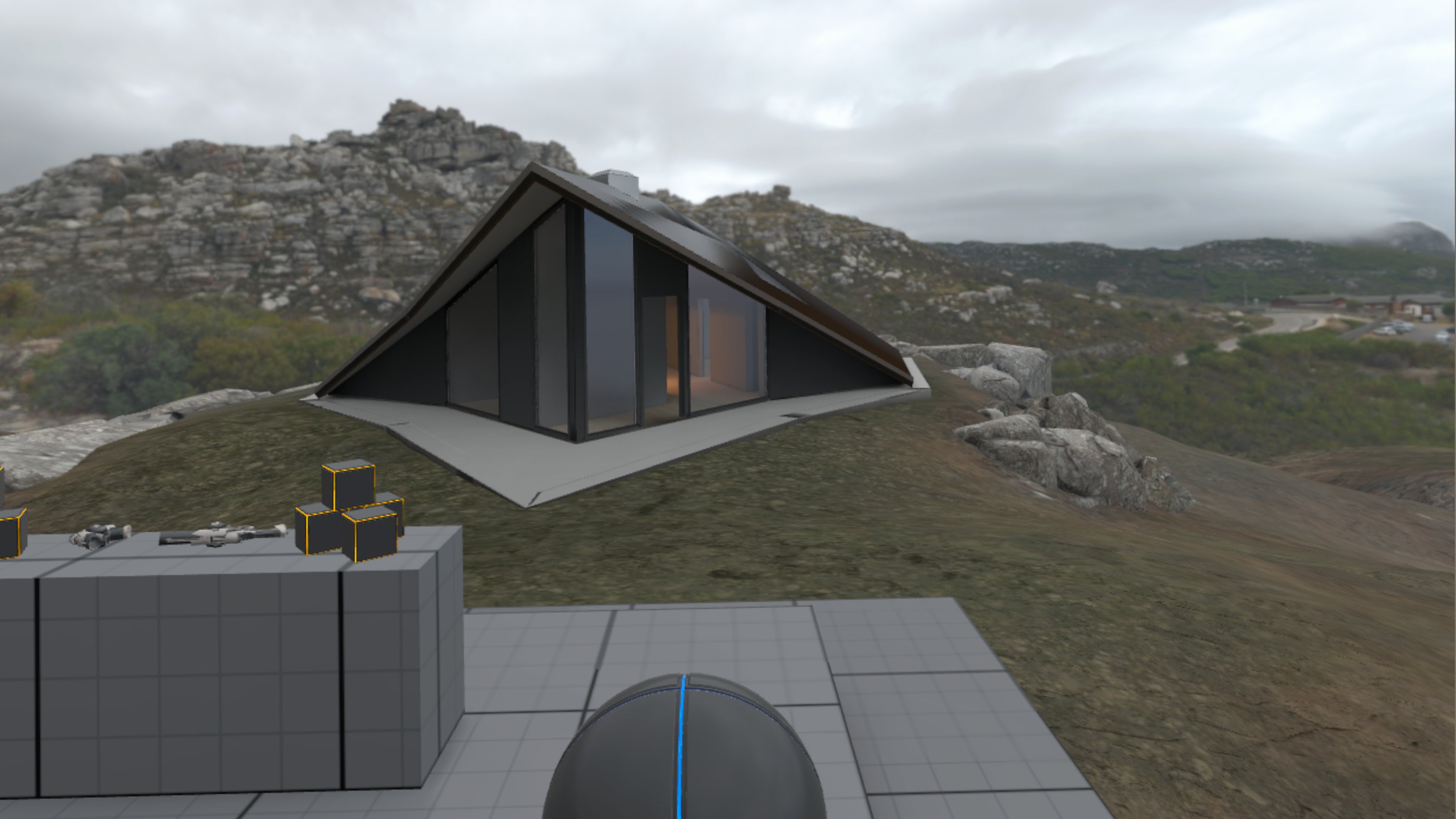

In this post, we present a solution to explore larger virtual environments in a limited physical space using mixed reality.
Use cases
Typical use cases for exploring larger environments are the following:
- Architectural visualization - how would my new house look like? how is the layout, and how big are the rooms?
- Experiencing places with restricted access - how big (or small) is the international space station really? how big are these huge mining trucks?
- Exploring places of the past - how would it be to walk around in the old viking capital of Sweden, which no longer exists today?
In the example of architectural visualization, imagine a virtual representation of a new or existing building, which you can observe and walk around in. For this, we define multiple locations in and around the building that you can walk around in. You can teleport between those locations, for example using a controller input, or looking towards a different location and performing a certain hand motion.
This is a great way to experience a building and get a real sense of size and layout, and is much more immersive than looking at a floor plan or even a flat-screen video of the same building.
Teleportation is an important feature to allow a user to experience an environment that is much larger than the available physical space in the real world around the user. Otherwise, the user could only closely explore a very limited area in the environment, or would need a very big free physical space, which is quite impractical and expensive.
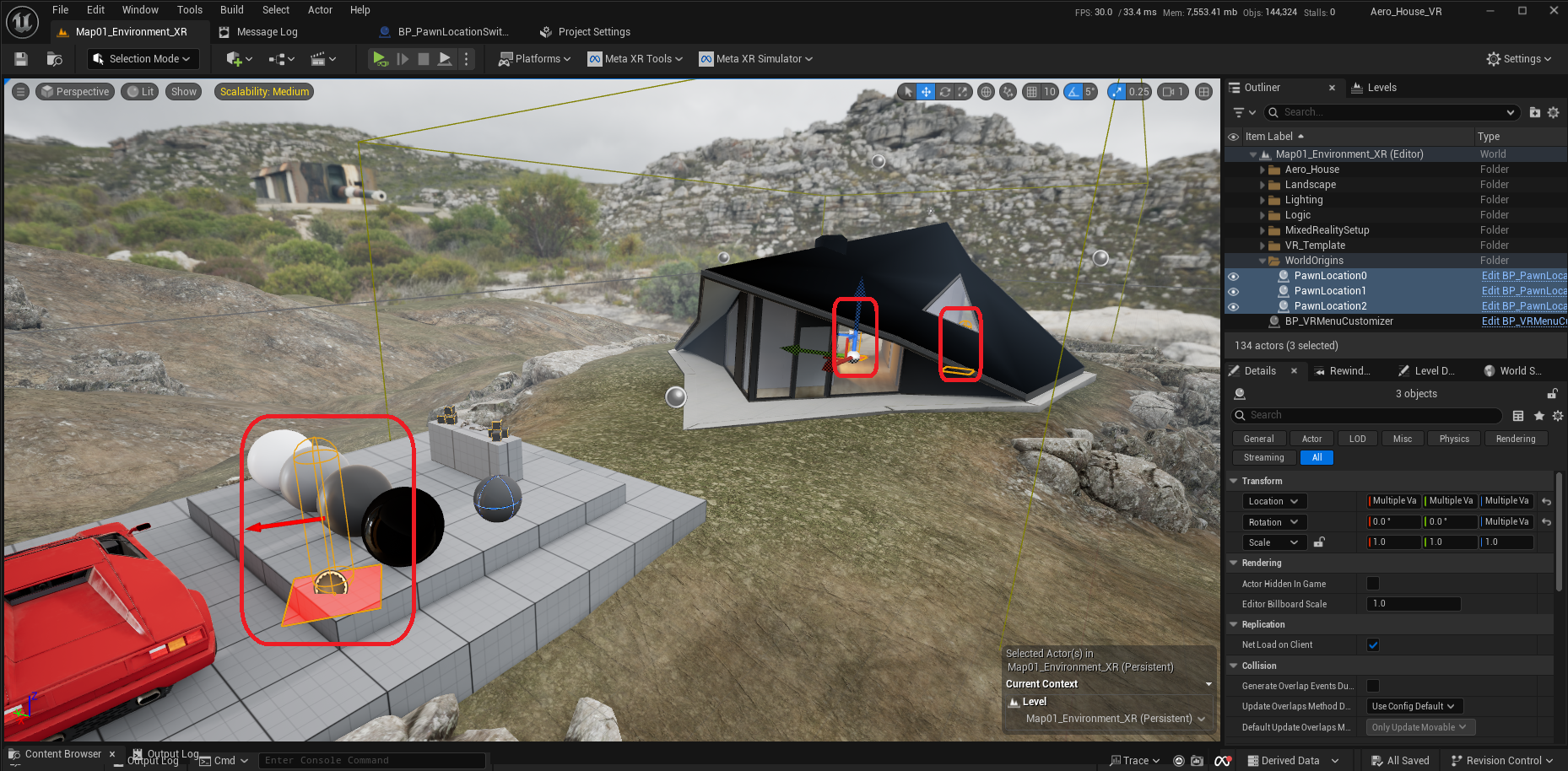
Below shows an example of a virtual environment with 3 separate 'origins' that the user can teleport between.
In the experience it looks as shown in the images below.
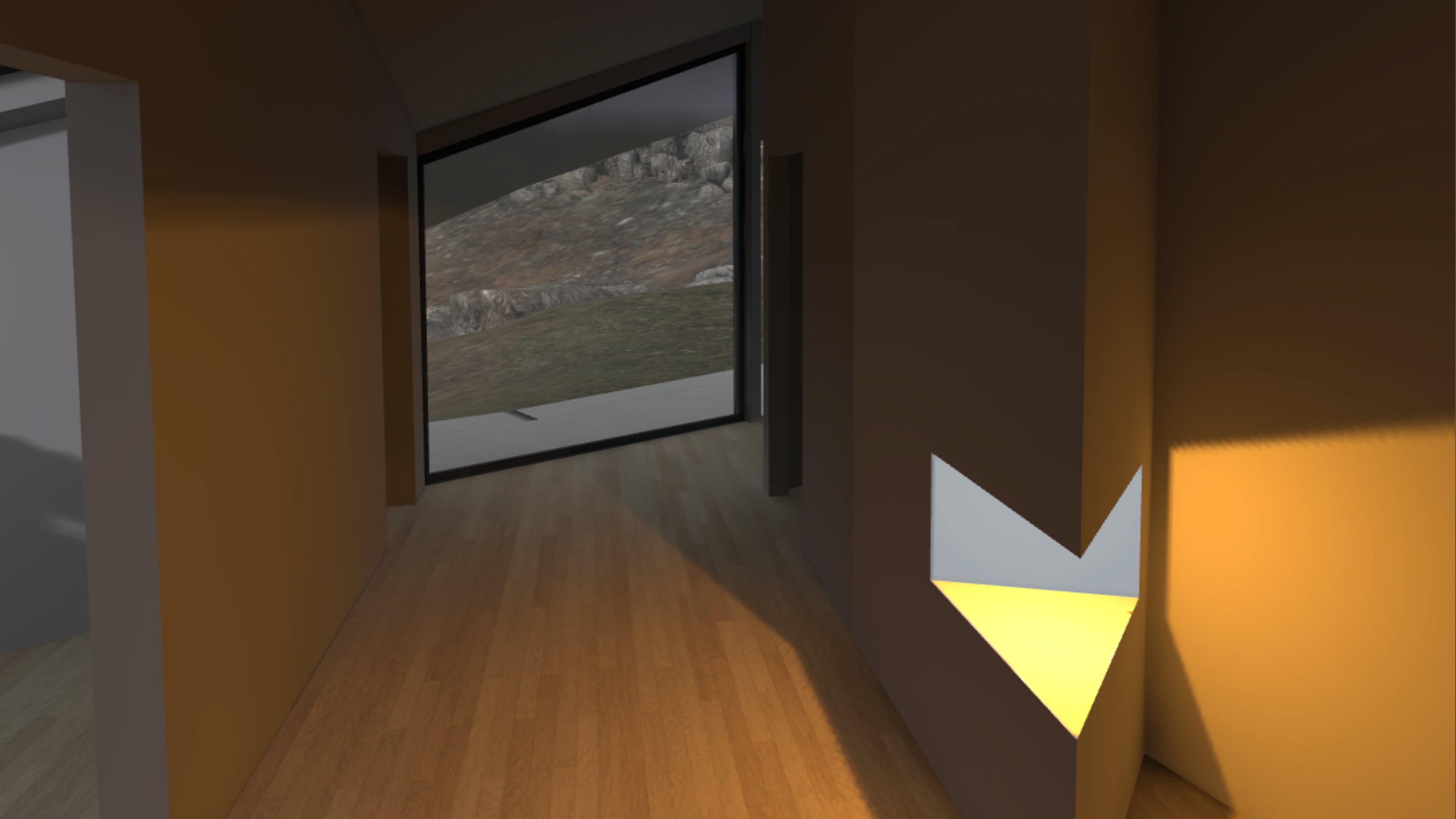
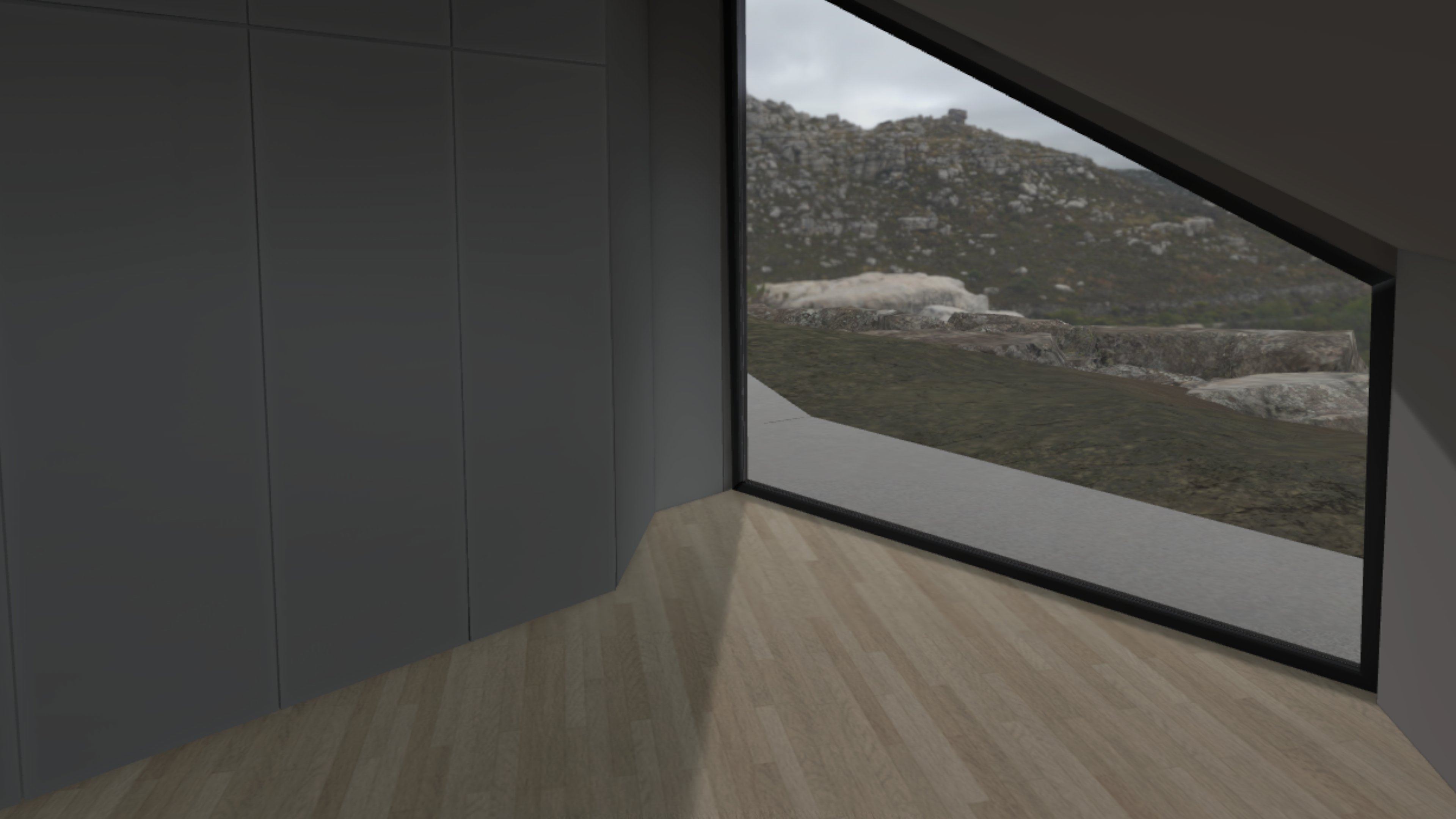
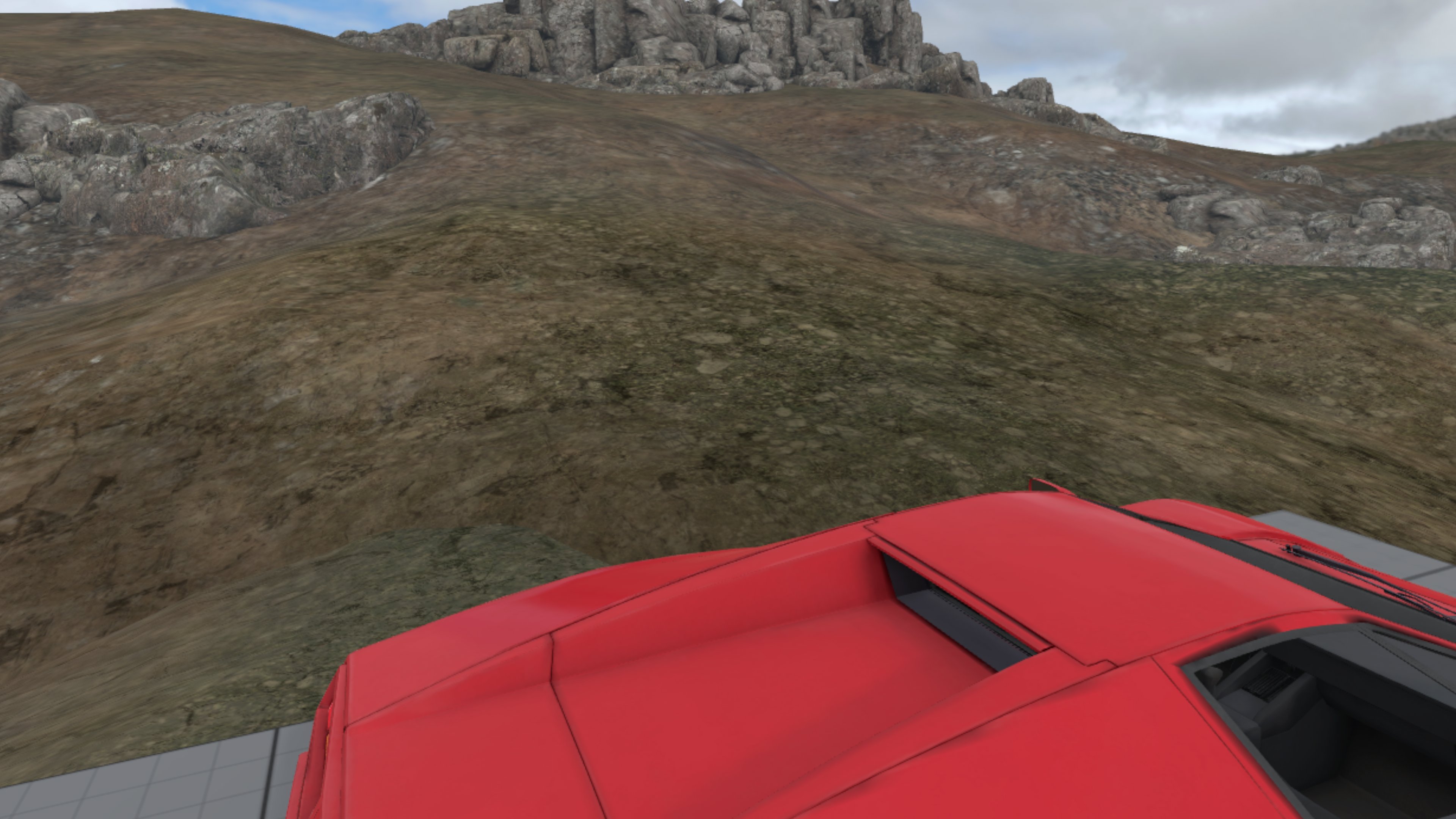
In each of the origins, the user can walk around to the extents of the physical room in the real world.
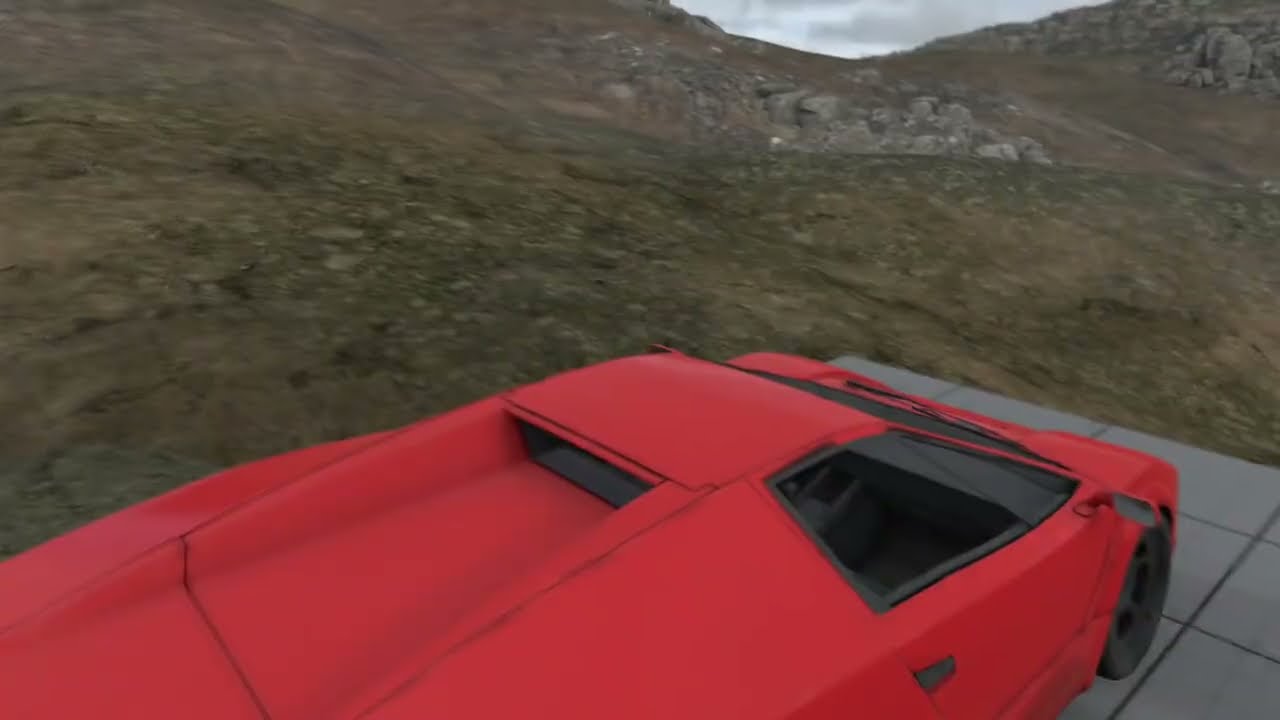
Teleporting between different origins is almost instant for minimal disruption, we added a brief screen fade effect to clearly indicate the teleportation, as can be seen in the video below.
Clicking play will embed the YouTube player and may set third-party cookies and collect data from YouTube.
Mixed Reality vs Free Roam
An obvious question would be Why not use a full-VR-free-roam setup instead, which is a lot simpler to build?
For a full-VR-free-roam setup, like our Mission: Vertical, you normally want to have a completely obstacle-free physical space with a predefined minimum size (e.g. 3x3 meter) for an optimal experience. And since there is no passthrough option in a full VR experience, the user needs a lot of confidence that the space is actually free of obstacles and that the positional tracking has no drift. This may decrease user comfort, and be a barrier for some users to actually play the experience in the first place.
Thus, while a full-VR-free-roam setup could offer a similar experience, adding the mixed reality feature set offers some clear benefits for the user:
Room Scanensures the room layout, including major obstacles such as furniture, are known to the experience and can be blended in when the user approaches them in the physical spaceAdaptive Passthroughallows to blend the virtual world with the real world in selected situations, for example to always show the area around the feet of the user for increased comfort and confidence, and when reaching the edges of the physical spaceWorld lockensures the virtual world is continuously aligned with the real world, greatly reducing a possible disconnect between the virtual and real world orientation. Even when the adjustments are typically just at most a few millimeters every frame, it stabilizes the virtual world by anchoring it to the real world, which reduces potential motion sickness.
The below images show various levels of passthrough fade, by adjusting the distance when passthrough is visible in the experience.
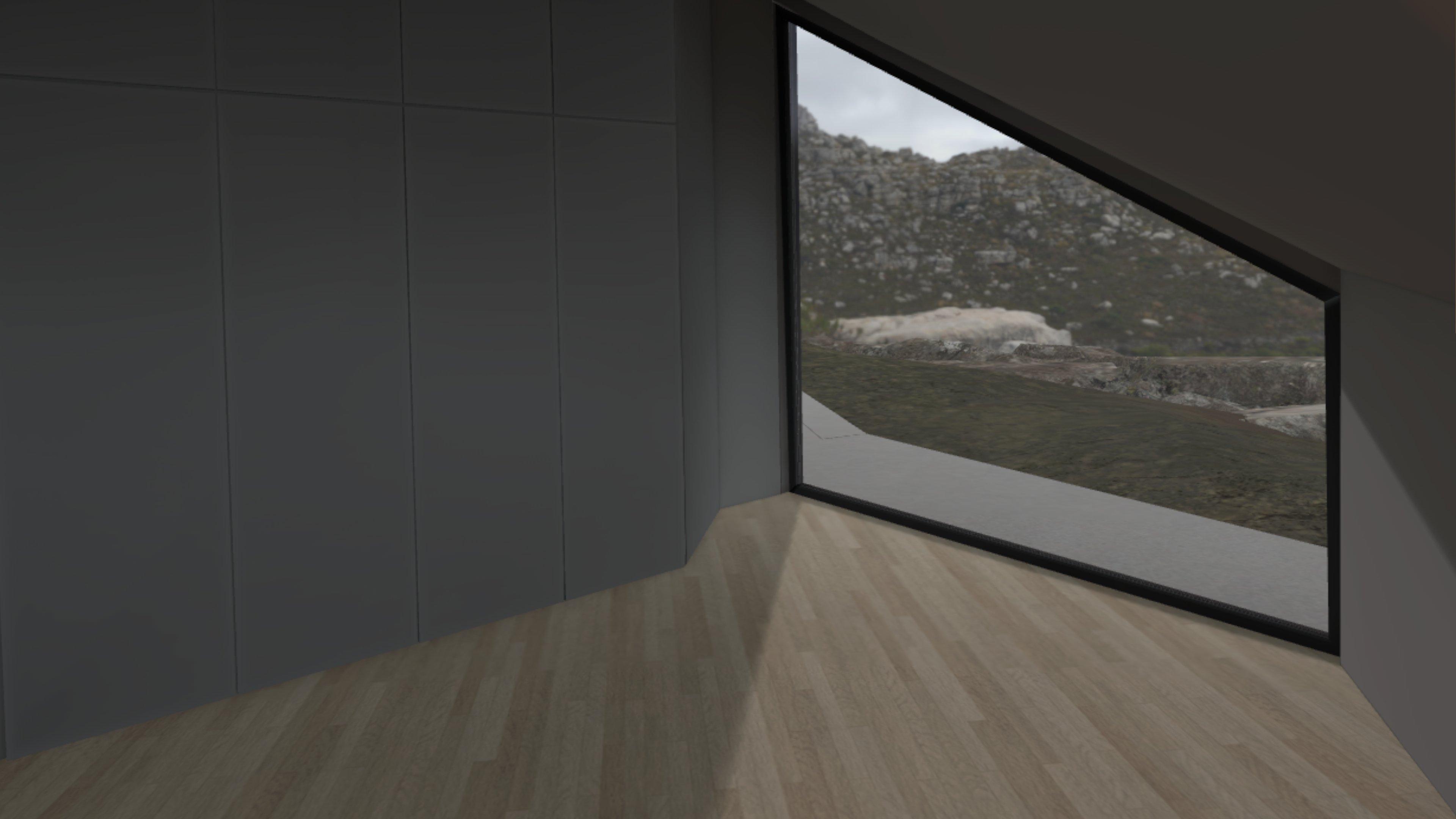
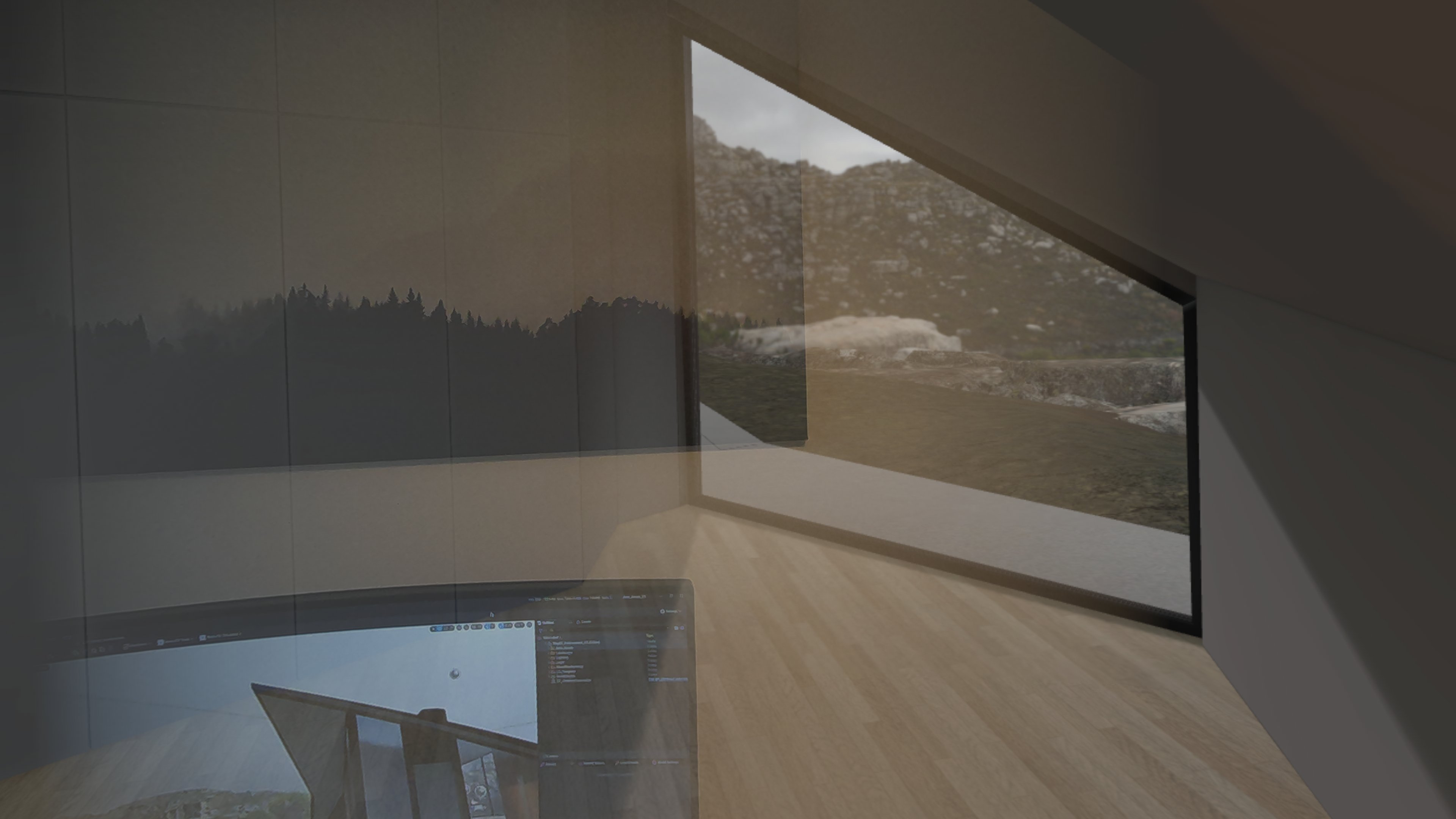
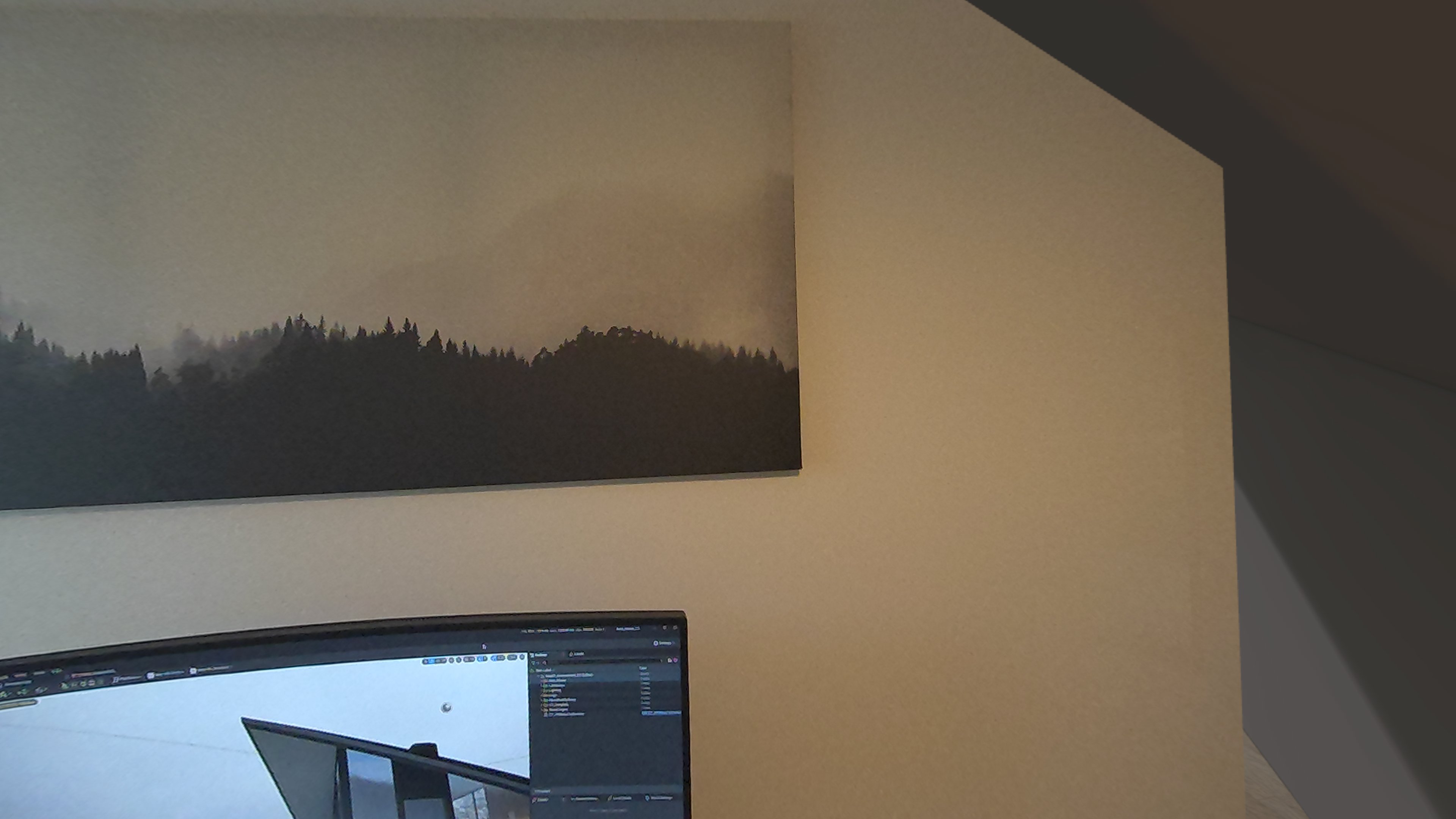
For increased user comfort and confidence while walking around in the experience, the user can always see their feet and room boundaries when they get close enough, as can be seen in the video below.
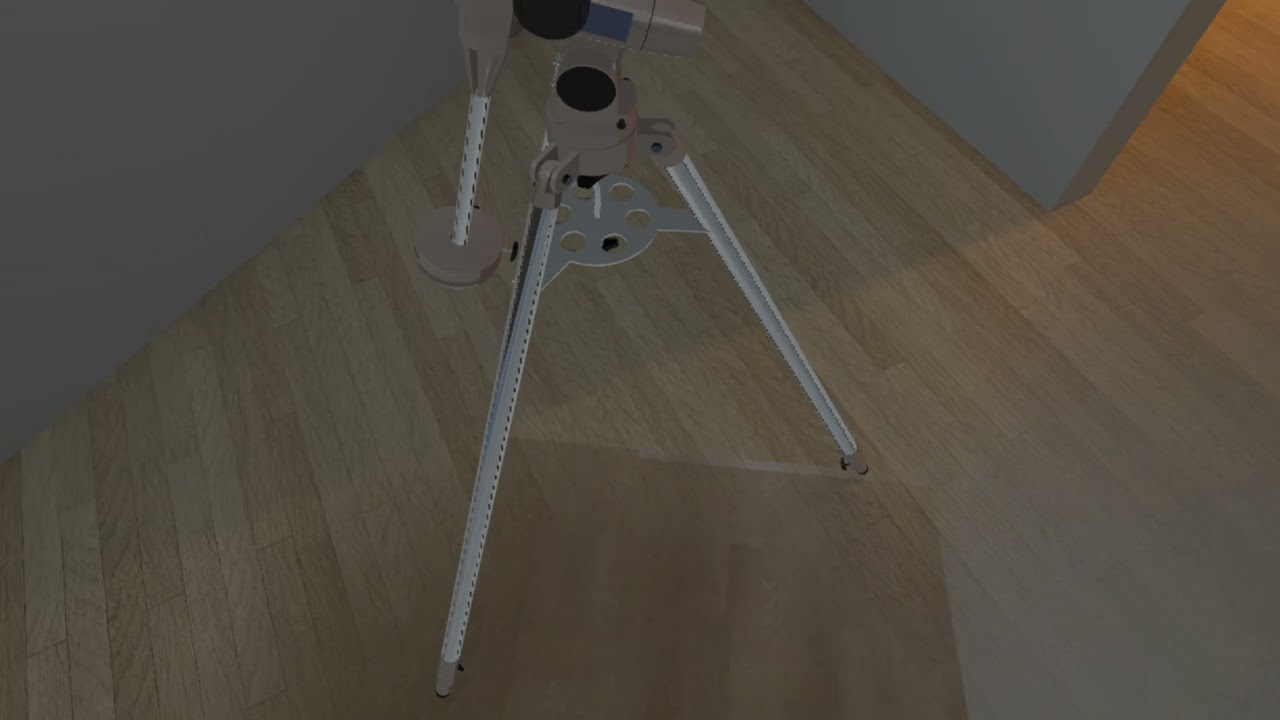
Clicking play will embed the YouTube player and may set third-party cookies and collect data from YouTube.
Adaptive Passthrough can be adjusted in the experience for minimal disruption, as can be seen in the video below.
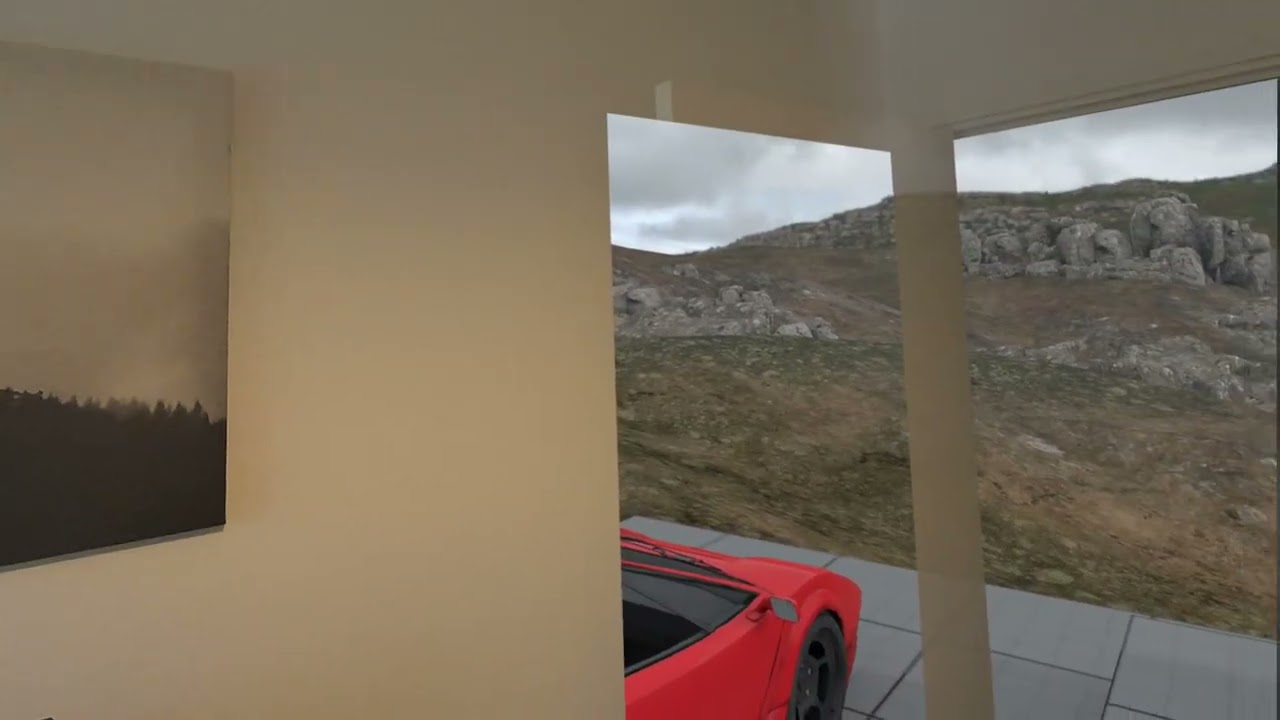
Clicking play will embed the YouTube player and may set third-party cookies and collect data from YouTube.
Tech Stack
For this exploration, we're using the following tech stack:
Technical Challenges
Normally in a Mixed Reality setup with the MetaXR plugin for Unreal Engine, the user is always placed at the virtual world origin (0, 0, 0), and cannot move to other locations in the virtual world. The virtual representation of the real-world room is also placed at the world origin.
In order to allow the user to teleport to different locations (and even orientations) in the virtual world, we need to ensure both the user and the room is correctly positioned and oriented, and that the World Lock feature is working properly.
The default World Lock implementation in the MetaXR plugin keeps the user very close to the world origin, which obviously does not work when we want to place the user somewhere else in the virtual world. To solve this, we've disabled the default implementation, and provide a custom implementation that takes the current user position/orientation into account.
We evaluated and rejected the following alternative solutions, which would've kept the user always at the world origin:
- Move the whole virtual world to the user, instead of moving the user. This was rejected because it requires that all geometry is set to be
Movable, which in turn would require us to use fully dynamic lighting, which is not practical on a VR headset. - Put the virtual world in a sublevel, and load the sublevel at a given location/orientation when the user teleports to a different location. This was rejected because it makes the teleportation very clumsy, as we would need to fade out the virtual world, fully unload the sublevel, load the sublevel at a different location/orientation, and fade in the virtual world again. Especially if the virtual world is bigger, this could take a significant amount of time, and would be quite disruptive to the user.
Conclusion
Using a mixed reality setup to explore larger virtual environments offers clear benefits compared to standard free-roam solutions. World lock ensures that the virtual world is continously aligned with the real world head set orientation, and adaptive passthrough gives users the comfort of always being aware where they are walking in the real world.
We at Immerstory are excited to support our customers with their immersive experiences, and look forward to sharing more exploration progress soon.
What immersive experience would you like to see? Let us know!
Additional Resources
Documentation for the MetaXR plugin, specifically the Mixed Reality Utility Kit which was used for this demo, can be found here.